More than a link.
The text, on your device.
If the original disappears, text you’ve already saved stays. Read captured posts and downloaded images directly on your device.
Where was that post you saved? From Threads to Instagram, keep your favorites on your device.
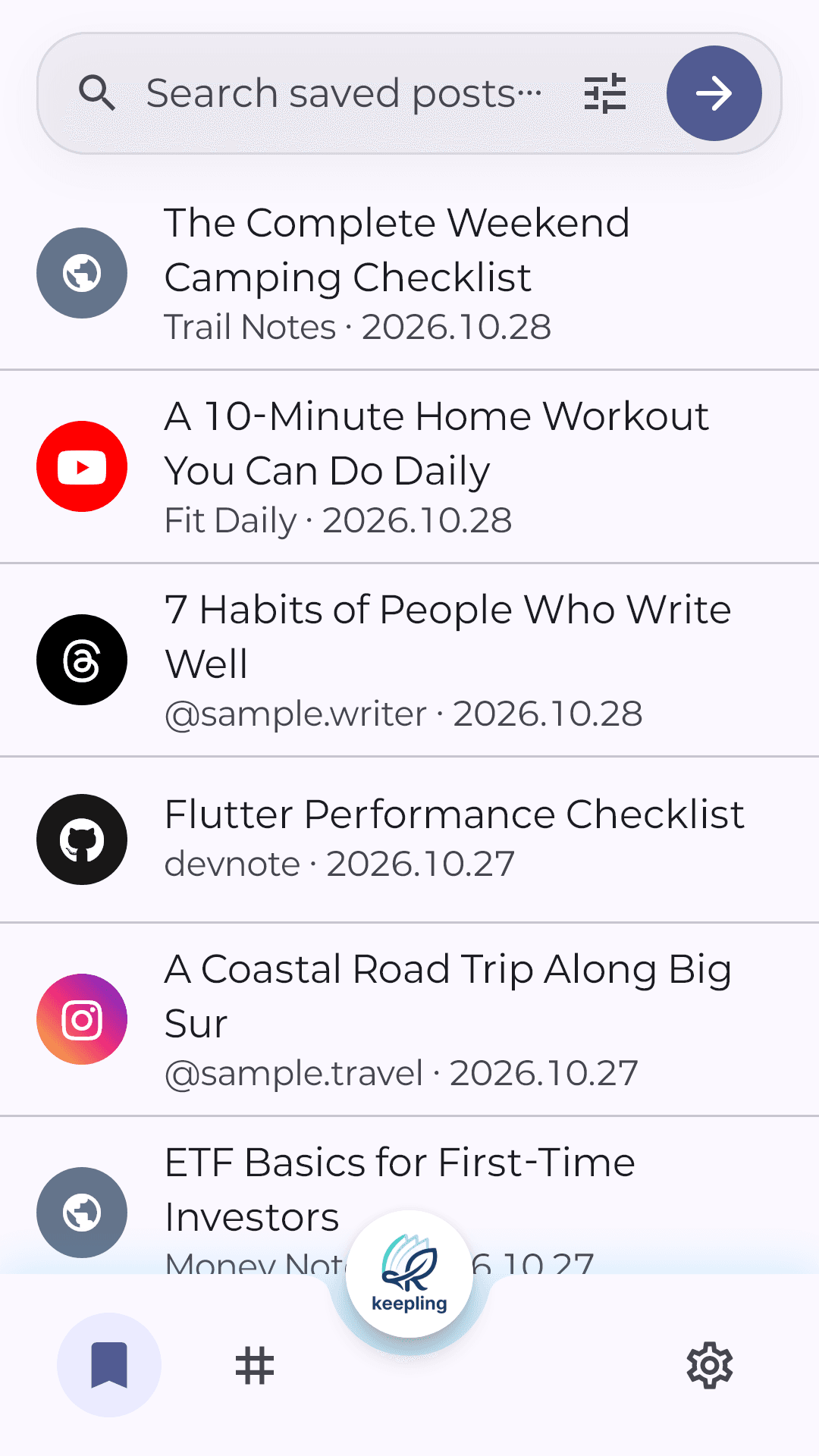
Turn scattered social bookmarks into your own searchable archive.
If the original disappears, text you’ve already saved stays. Read captured posts and downloaded images directly on your device.
Search saved titles, text and hashtags. Find posts from different social apps in one place.
Open your device’s archive and find what you need, without reopening a social app and waiting for its saved list.
Saved text works offline, too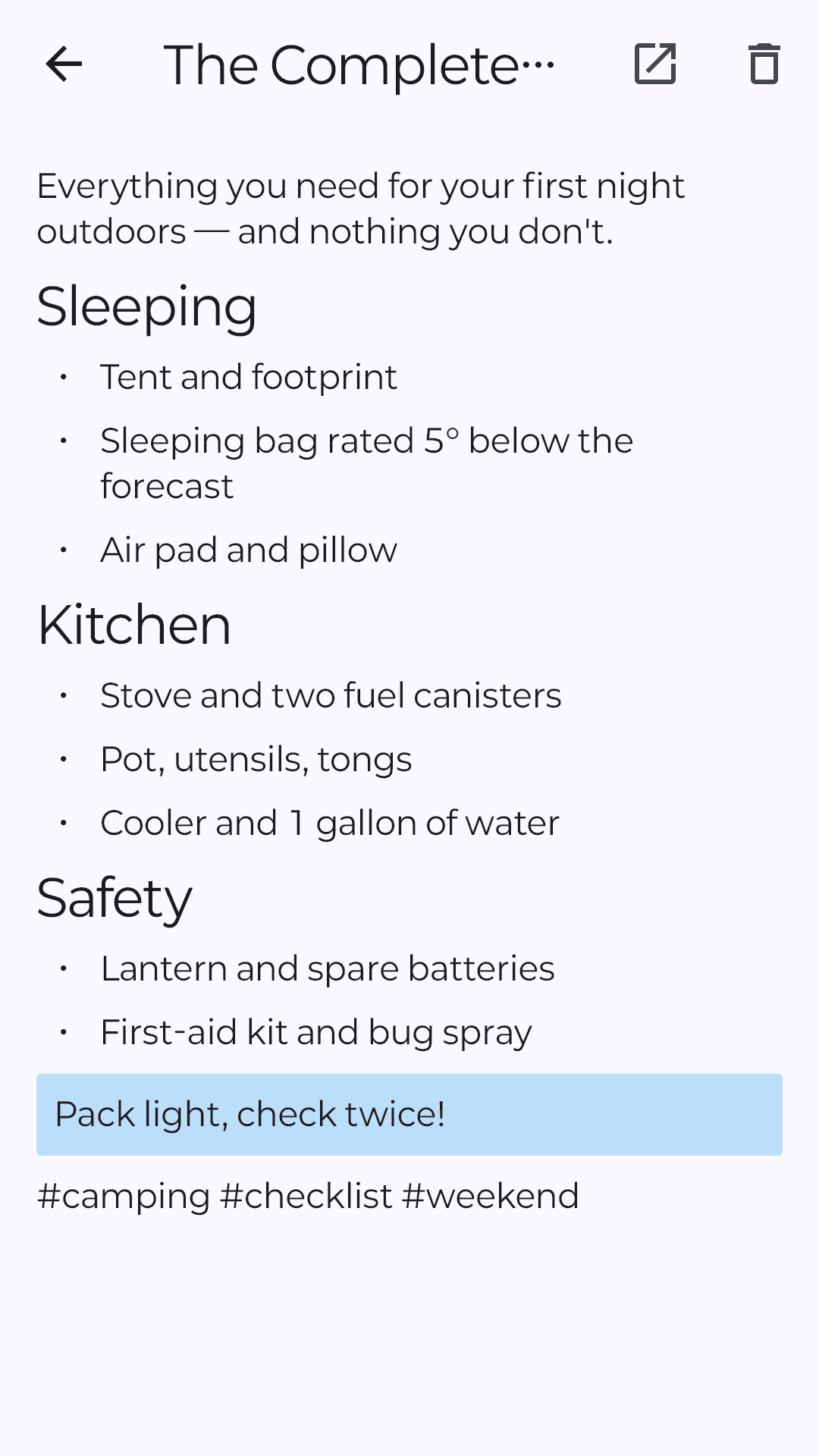
Start with the share menu you already know. No complicated folders or account connections.
Spot a post you like on Threads or Instagram.
Choose Keepling in the share menu.
Search your archive and read saved text offline.
The ease of a bookmark. The reassurance of your own archive.
| When you want to read again | Saved inside a social app | Keepling |
|---|---|---|
| Where are the posts? | In each app’s own saved list | From different sources, on your device |
| What if the original disappears? | Depends on access to the original | Already saved text stays |
| How do you find something? | With each app’s own tools | Search saved text and hashtags |
| How do you get back to it? | Reopen the social app | Go straight to the post, past the feed |
Features vary between social apps. Offline access applies to content that was successfully captured and saved.
Keepling saves captured post text on your device, rather than just collecting links. Search and read posts from different social apps in one place, with less digging through separate saved lists.
Text and images already downloaded to your device remain readable. URL-only saves and images that weren’t downloaded are exceptions. Uninstalling Keepling or clearing its data can remove your archive.
Search and read saved text offline. Capturing new posts, opening original links and loading images that weren’t downloaded require internet.
There are parsers for Threads, Instagram, NAVER Blog, Tistory, X, Facebook, YouTube, GitHub, velog, brunch and general web pages. Capture targets public content, and results depend on site structure and access restrictions. The Google Play edition does not collect video files or YouTube transcripts.
No account is needed. Saved posts stay on your device, with no cloud sync or analytics. Only when you send a problem report do the post’s links, title and reporting details reach our server. Saved text and images are not sent.
Keepling is available as a free Android app on Google Play.